


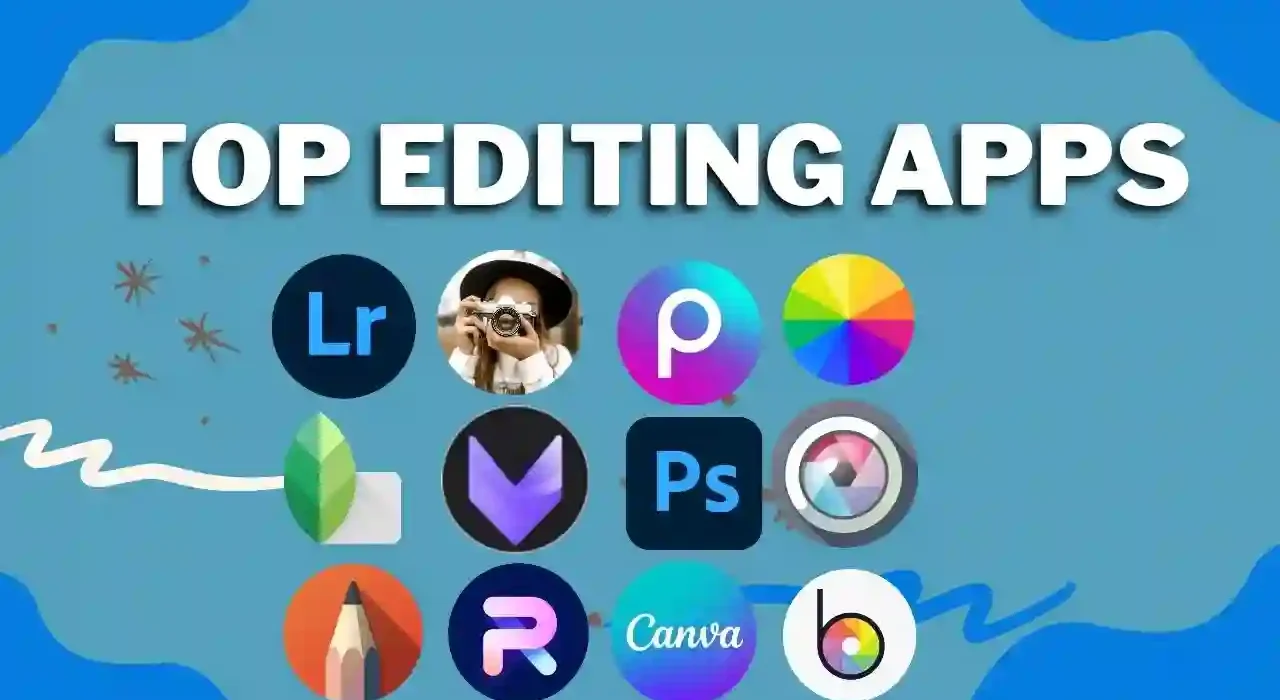
In the digital age, photography has evolved beyond capturing moments; it has become a canvas for artistic expression. With the help of advanced photo editing apps, artists and photographers can transform their photos into stunning pieces of digital art. Whether you’re a professional digital artist or an enthusiast looking to explore your creative side, there are photo editing apps that offer a wide range of artistic tools and features. In this article, we’ll explore the best photo editing apps for unleashing your artistic flair and creating digital art masterpieces.
1. Adobe Photoshop
Adobe Photoshop is a legendary name in the world of digital art and photo editing. The tablet version of Photoshop brings many of the powerful features of the desktop software to your fingertips. You can create complex digital art, manipulate layers, apply brushes, and use advanced blending modes. The app’s compatibility with Adobe’s Creative Cloud allows for seamless work across different devices.
2. Procreate
Procreate is a top choice for digital artists, illustrators, and photographers looking to turn their tablet into a canvas. It offers a vast array of brushes, including customizable options, as well as features like layer masks and blending modes. Procreate’s intuitive interface, quick performance, and support for pressure-sensitive styluses make it a favorite among creatives.
3. Autodesk SketchBook
Autodesk SketchBook is a versatile drawing and painting app with a focus on creativity. It provides a wide range of brushes and tools for sketching, painting, and illustrating. SketchBook’s unique Symmetry tool and Predictive Stroke feature make it easier to create intricate and symmetrical digital art.
4. Affinity Photo
Affinity Photo is a professional-grade photo editing app that caters to both photographers and digital artists. It offers advanced features like layer styles, blend modes, and vector drawing tools. Affinity Photo’s impressive performance and compatibility with desktop software make it suitable for creating complex digital art compositions.
5. Tayasui Sketches
Tayasui Sketches is a user-friendly and feature-rich app for digital art creation. It provides a variety of brushes and tools, including watercolors, pencils, and markers. The app’s natural drawing feel and responsive interface make it accessible to artists of all skill levels.
6. ArtRage
ArtRage is known for its realistic and tactile approach to digital art. It offers a wide range of brushes that mimic traditional art materials like oil paint, watercolors, and pencils. ArtRage also provides canvas textures and settings to enhance the authenticity of your digital art creations.
7. Paper by WeTransfer
Paper by WeTransfer is an app that emphasizes simplicity and elegance in digital art creation. It offers a minimalist interface and a selection of basic brushes and tools. While it may not have the advanced features of some other apps, Paper’s focus on natural and intuitive drawing makes it an excellent choice for quick sketches and artistic exploration.
8. Infinite Painter
Infinite Painter is a comprehensive digital art app that offers a wide range of brushes, customizable brush settings, and advanced layer options. It provides perspective guides, symmetry tools, and a wide color palette to help artists bring their creative visions to life. The app’s responsive performance and robust feature set make it a favorite among digital artists.
9. ArtFlow
ArtFlow is a powerful and user-friendly app for digital art creation. It boasts a high-performance brush engine and supports pressure-sensitive styluses, making it a versatile tool for sketching, painting, and illustrating. ArtFlow’s extensive brush library and customizable interface cater to artists looking for a wide range of creative options.
10. Concepts
Concepts is an innovative app that blurs the line between sketching and precision design. It offers infinite canvas options, vector-based drawing tools, and a unique fluidity in creating digital art. Concepts is perfect for artists and designers looking to combine freeform creativity with precision.
Tips for Creating Digital Art
- Experiment with Brushes: Try out different brushes and explore their settings to find the ones that best suit your artistic style and vision.
- Use Layers: Take advantage of layers to separate elements of your digital art, making it easier to edit and adjust each component independently.
- Study Art Techniques: Learning traditional art techniques can greatly enhance your digital art skills and understanding of composition, color theory, and perspective.
- Practice Regularly: The more you practice, the more you’ll refine your skills and develop your unique artistic voice.
- Seek Inspiration: Explore other artists’ work, attend art exhibitions, and immerse yourself in the art world to find inspiration for your own creations.
Conclusion
The world of digital art offers endless possibilities for creativity and self-expression. The photo editing apps mentioned in this article provide the tools and features needed to turn your tablet into a canvas and bring your artistic visions to life. Whether you’re a professional digital artist or an enthusiast looking to explore your creative potential, these apps offer a range of options for sketching, painting, illustrating, and creating stunning digital art. Dive into the world of digital art, unleash your artistic flair, and watch as your creativity flourishes on the digital canvas.